Key Takeaways
- Qwen AI allows free text-to-video creation with voice and lip-sync
- Grok AI includes a hidden video generation feature with HD upscaling
- Google VEO 3 can be accessed for free via Gemini Business trial
- Generate realistic dialogue and lip-sync without expensive subscriptions
- Step-by-step guide to using these tools for professional results
What if I told you that you can create AI videos with voice, dialogue, and lip-sync — completely FREE?
- No credit card.
- No UPI.
- No paid tools like Sora 2 or expensive subscriptions.
In this guide, I’ll show you 3 powerful AI video generators that let you:
- Create text-to-video
- Convert images to videos
- Generate dialogue + voice
- Add lip-sync
- Download videos in HD
And yes — I’ll also reveal an official Google trick to use VEO 3 for free, which most people don’t know about.
⚠️ Don’t skip — the trick is in the second half.

🥇 1. Qwen AI – Free AI Video Generator With Voice
Qwen AI recently received a major update, making it one of the best free AI video tools available right now.
✅ What Qwen AI Can Do
- Text-to-Video (with voice)
- Image-to-Video (with dialogue)
- Lip-sync support
- High-quality image generation
- Image editing + video conversion
🔹 How to Use Qwen AI (Text to Video With Sound)
- Visit the official Qwen AI website.
- Login using your Google account.
- Select Video Generation.
- Choose Text to Video.
- Write a detailed prompt including:
- Scene description
- Character actions
- Camera angles
- Dialogue
- Voice type (male / female / child)
- Background audio preference
⚠️ If you don’t specify voice details, results may be inaccurate.
📌 Pro Tip: Use ChatGPT to generate perfect video prompts. Just describe your scene + dialogue and let AI handle the formatting.
🎯 Output Quality
- Realistic visuals
- Accurate lip-sync
- Clear dialogue
- Clean audio (no background noise unless requested)
🔹 Image to Video in Qwen AI
- Upload an image.
- Describe:
- Motion
- Character actions
- Dialogue
- Generate video.
- Result: High-quality video with synced voice — fully free.
🖼️ Bonus: Image Generation & Editing in Qwen AI
Qwen AI can also:
- Generate Midjourney-level images
- Edit images (color change, object replacement)
- Convert edited images into videos
All inside one platform — free.
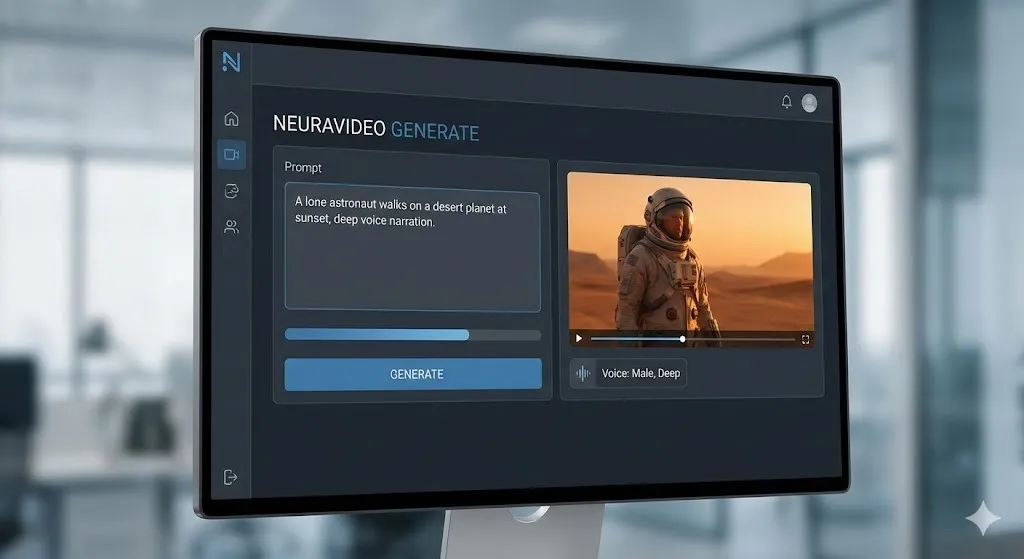
🥈 2. Grok AI – Hidden Free Video Generator With Voice
Most people use Grok only for chat — but it also has video generation with sound.
🔹 How to Generate Videos in Grok AI
- Open Grok AI (website or app).
- Click Imagine (left sidebar).
- Choose Text to Video or Image to Video.
- Write a detailed prompt.
- Select:
- Aspect ratio
- Video mode
- Generate video.
📌 Important Tip (Don’t Skip)
After video generation:
- Click the three dots.
- Select Upscale.
- Then download.
This converts the video to HD quality.
🧪 Results
- Good lip-sync
- Clear dialogue
- Slight dialogue errors sometimes
- Overall impressive for a free tool
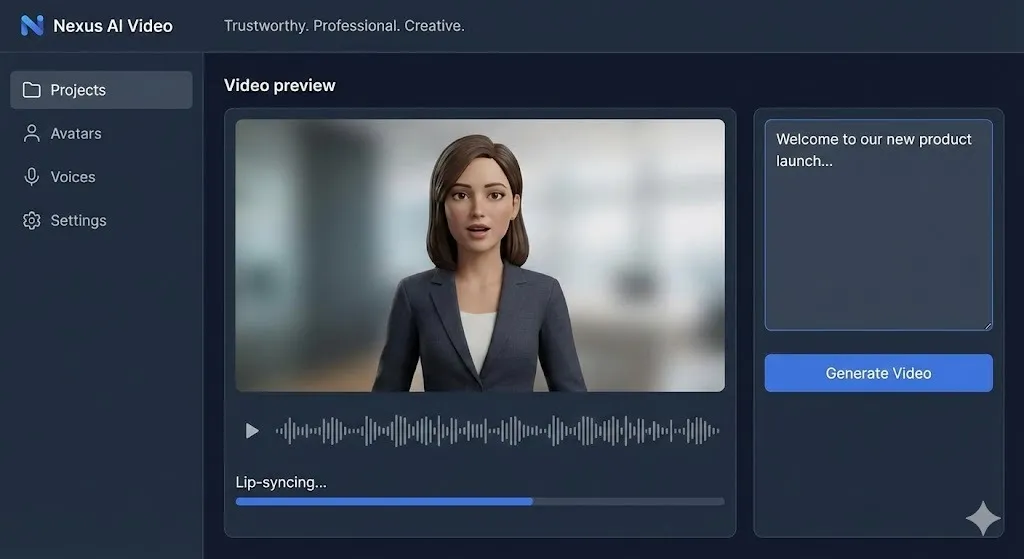
🥉 3. Google VEO 3 – FREE Official Access (No Scam)
Yes, VEO 3 is paid, but Google provides official free access if you know where to look.
🔹 Method 1: Gemini Subscription Invite Trick (Official)
If someone already has a Gemini subscription, they can:
- Invite 3 friends
- Each friend gets 4 months free
Steps:
- Open Gemini official website.
- Click Invite Friends.
- Share invite link.
- Accept offer.
- Payment page appears → complete setup.
- Immediately pause AutoPay in UPI app.
✅ You won’t be charged. ✅ VEO 3 access unlocked.
🔹 Method 2: Gemini Business Free Trial (No Card Required)
This method works even if you don’t have any subscription.
- Open Chrome.
- Search Gemini Business.
- Enter email.
- Start 30-day free trial.
You get:
- VEO 3 access
- Nano Banana Pro
- Gemini 3 models
- No UPI / No Card required
🎬 How to Generate Videos in VEO 3
Text to Video:
- Write very detailed prompts.
- Include:
- Scene
- Characters
- Camera shots
- Dialogue
- Choose VEO 3 Fast (cheaper credits).
- Generate multiple versions.
Image to Video:
- Upload image.
- Describe scene + dialogue.
- Generate video.
- Download HD or original quality.
🖼️ Bonus: Unlimited Image Generation
Inside VEO 3:
- Generate images with no credit usage.
- Use Nano Banana Pro & Image-In-4.
- Unlimited high-quality outputs.
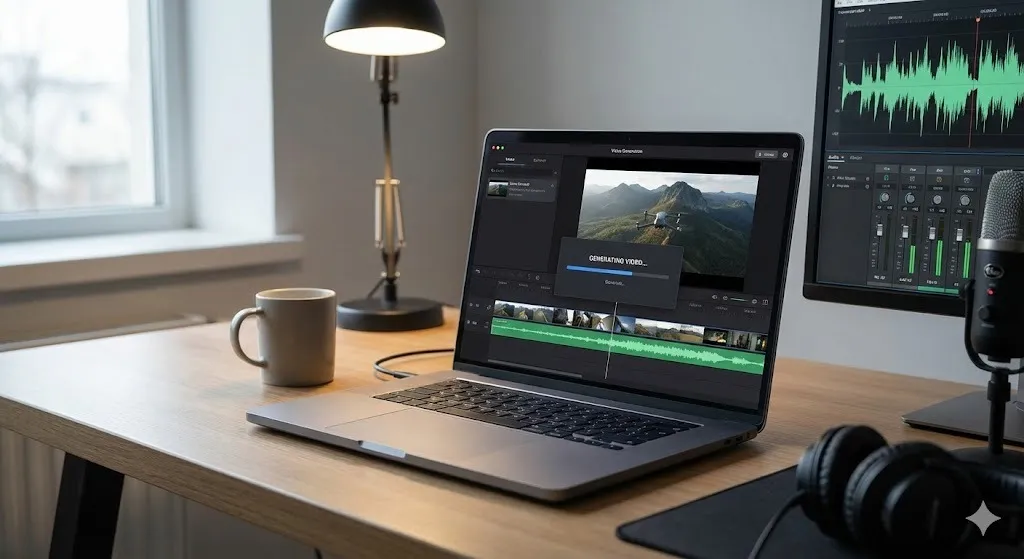
🧠 Final Verdict: Which Tool Should You Use?
| Tool | Best For |
|---|---|
| Qwen AI | Beginners, all-in-one free solution |
| Grok AI | Fast videos + easy HD upscale |
| VEO 3 | Best quality, professional results |
If you’re serious about AI video creation without spending money, this stack is unbeatable.
Check out our Agentic Shift post to see how these tools integrate with autonomous agents!
Written by Simple AI Guide Team
We are a team of AI enthusiasts and engineers dedicated to simplifying artificial intelligence for everyone. Our goal is to help you leverage AI tools to boost productivity and creativity.