
Key Takeaways
- Whisper Flow and NotebookLM are essential for students and researchers needing fast, accurate summaries.
- Kling and SAM 3 allow creators to generate professional video effects without expensive software.
- Google's Comet Browser integrates AI directly into your web surfing for faster deep research.
- All tools listed have generous free tiers that actually work for real projects in 2025.
The AI revolution is no longer locked behind expensive subscriptions. In 2025, some of the most advanced AI tools on the market are completely free — and they’re powerful enough to transform how you study, create, work, research, and build.
If you’re a content creator, student, researcher, developer, entrepreneur, or simply curious about AI’s potential, these tools can dramatically level up your workflow.
In this enhanced guide, you’ll find 9 of the most innovative free AI tools, how to use them, their pros & cons, and why they matter right now.
Why Free AI Tools Are Changing Everything
Only a few years ago, these capabilities cost:
- Thousands of dollars
- High-end hardware
- Specialized software licenses
Today, AI has been democratized. Free tools can now:
- Generate music
- Build 3D worlds
- Create studio-quality voices
- Summarize 500-page documents
- Edit videos automatically
- Convert speech to text with 99% accuracy
This means creators and students have access to the same tools used by big studios and tech companies — without paying a single rupee or dollar.
1. Whisper Flow — The Speech-to-Text Tool That Actually Works

Whisper Flow is the first free AI dictation tool that feels professional. No more:
- Missing punctuation
- Strange transcriptions
- Struggling to capture fast speech
⭐ Why It’s Game-Changing
- Handles technical terms
- Adds punctuation automatically
- Understant mumbled phrases
- Extremely accurate — even with background noise
🔧 Perfect For
- Students taking class notes
- YouTubers scripting videos
- Bloggers writing faster
- Professionals drafting emails
👍 Pros
- Very fast
- Surprisingly accurate
- Free tier = 2,000 words weekly
👎 Cons
- Requires internet
- No long-form batch transcripts (yet)
2. Comet Browser — AI-Powered Web Browsing
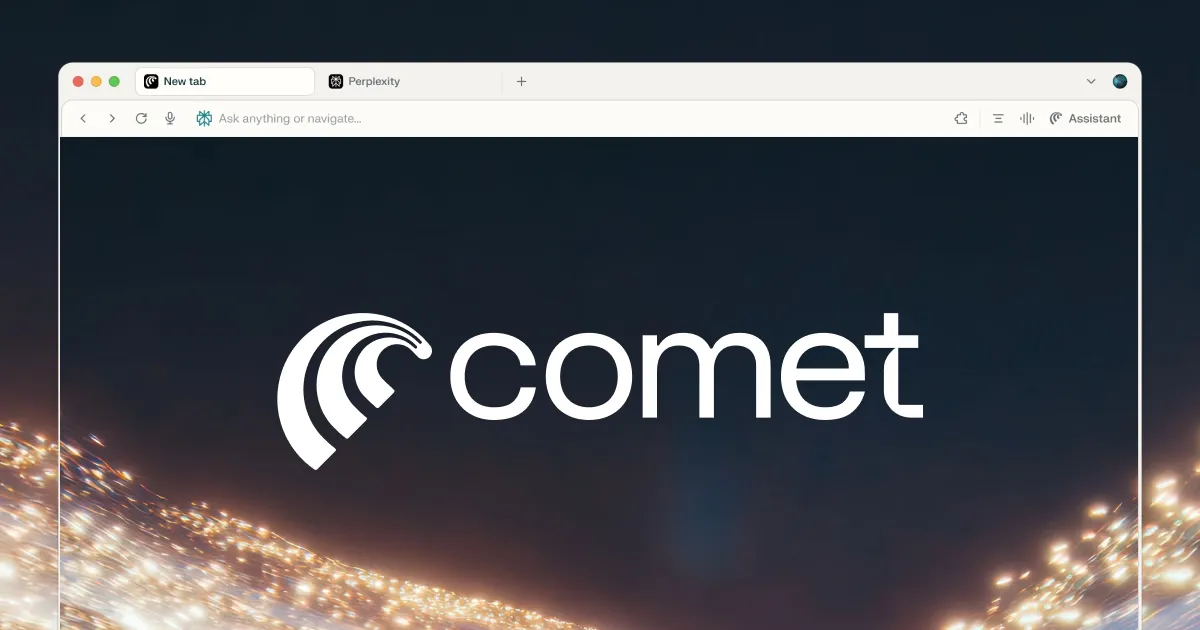
If you multitask, research nonstop, or constantly switch tabs, Comet Browser will change your life.
⭐ What Makes It Special
- Understands the webpage you’re reading
- Lets you ask questions about that page
- Analyzes multiple tabs at once
- Finds connections between articles
No more copy-pasting into ChatGPT. The AI lives inside your browser.
👍 Pros
- Full AI features in the free version
- Saves hours for researchers
- Great for analyzing news, PDFs, blogs
👎 Cons
- Not fully optimized for old laptops
- Still building its extension ecosystem
3. NotebookLM — The Best Free AI Research Assistant Ever Built

NotebookLM is one of the most praised AI tools by students, teachers, and researchers — and for good reason.
Upload your:
- PDFs
- Class notes
- Manuals
- Documents
NotebookLM turns them into a personal AI expert.
⭐ Stunning Features
- Handles documents up to 557 pages
- Answers questions with citations
- Generates structured study notes
- Creates podcast-style audio summaries
- Lets you build multiple notebooks
👍 Pros
- Best for students & researchers
- Incredibly accurate document understanding
- Audio summaries = game changer
👎 Cons
- Google account required
- No offline support
4. SAM 3 — Professional AI Object Tracking for Videos (Free!)
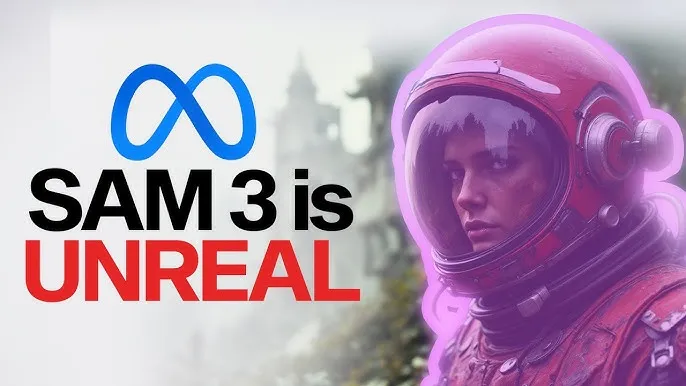
Meta’s Segment Anything Model 3 is insane. It automatically identifies and tracks objects in videos — something editors used to spend HOURS doing manually.
⭐ Capabilities
- Automatic object detection
- Blur, spotlight & contour effects
- Tracks multiple objects
- Will soon integrate into Instagram Reels
This is perfect for content creators wanting clean, cinematic effects.
👍 Pros
- Free & powerful
- Reduces editing time drastically
- Beginner friendly
👎 Cons
- Requires a decent GPU for best results
5. Canva Magic Studio — Design Without Trying
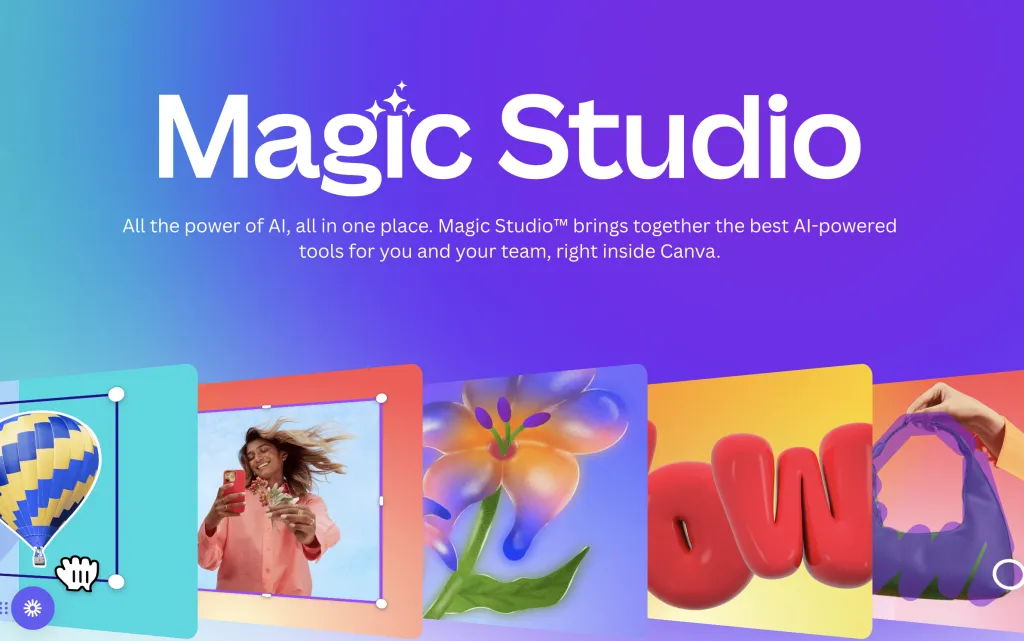
AI has turned Canva into a design supertool.
⭐ Why People Love It
- Generates complete templates from prompts
- Understands style requests (“minimalist”, “cyberpunk”, “retro”)
- Automatically formats text
- Removes backgrounds and edits designs instantly
🔧 Perfect For
- Students making presentations
- Content creators
- Small businesses
- Social media marketing
👍 Pros
- Huge library of presets
- AI saves HOURS of design work
👎 Cons
- Best features require Canva Pro
- Some AI generations need refining
6. Kling — High-Quality AI Video Generation (Free Credits!)

Kling is one of the most powerful free video-generation tools available today.
⭐ What It Can Do
- Text-to-video
- Image-to-video
- Audio-enhanced videos
- Daily free credits
- Much fewer censorship restrictions than competitors
It’s not Sora-level yet, but the quality is already shockingly good.
👍 Pros
- Fast generation
- Realistic textures and motion
- Free to start
👎 Cons
- 5-second limit on free tier
7. ElevenLabs — The Most Realistic AI Voice Generator

ElevenLabs voices sound almost human. If you create YouTube, TikTok, podcasts, reels — this tool is a must-have.
⭐ Why It Stands Out
- Human-like breathing
- Real emotional tone
- Multilingual support
- 10,000 characters free monthly
👍 Pros
- Best AI voice quality on the market
- Very easy to use
👎 Cons
- Free tier limited
- Custom voices require paid plan
8. Suno — The ChatGPT of Music Creation
Suno lets anyone — even total beginners — create music in seconds.
⭐ What It Does
- Generates full songs
- Writes lyrics
- Creates melodies
- Supports all genres
- 50 free credits daily
From pop to metal to classical, Suno handles it all.
👍 Pros
- Super fun
- Radio-ready quality
- Fast generation
👎 Cons
- Daily credit limits
9. Marble — Generate & Explore 3D Worlds
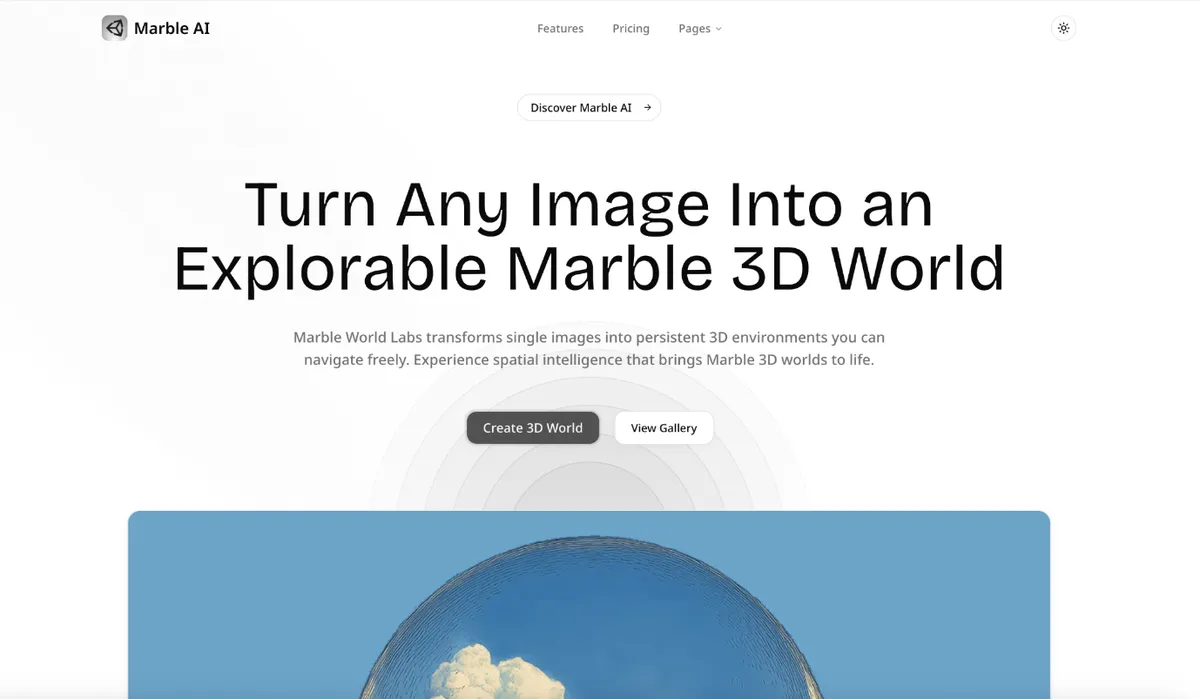
Marble is one of the most futuristic free AI tools today.
⭐ Capabilities
- Create 3D scenes from text
- Explore with WASD
- VR-ready (Meta Quest)
- Understands depth & geometry
It’s the early version of something that will soon power:
- Games
- Movies
- VR education
- Architecture
👍 Pros
- Free & innovative
- Great for creators, students, developers
👎 Cons
- Early-stage quality
- Requires good hardware
How to Start Using Free AI Tools (the Smart Way)
- Identify your biggest challenge (writing, design, video, research).
- Start with ONE tool from this list.
- Mix tools together — e.g., use Whisper Flow → NotebookLM → Canva Magic.
- Explore free credits weekly.
- Stay updated — AI tools evolve FAST.
The Future of Free AI Tools
We’re entering a world where:
- Anyone can create videos
- Anyone can generate art
- Anyone can build apps
- Anyone can research faster than experts
And all of this is becoming free. AI is no longer a luxury — it’s becoming a universal tool, like Wi-Fi or Google Search.
Final Thoughts — Which Tool Should You Try First?
| Your Goal | Best Free Tool |
|---|---|
| Study faster | NotebookLM |
| Write faster | Whisper Flow |
| Create videos | Kling / SAM 3 |
| Make designs | Canva Magic |
| Make music | Suno |
| Generate voices | ElevenLabs |
| Explore 3D | Marble |
| Research deeply | Comet Browser |
Start with the one that excites you most — and watch how AI transforms your daily workflow.
Frequently Asked Questions (FAQ)
What are the best free AI tools for students in 2025?
NotebookLM is the top choice for students. It allows you to upload textbooks and notes to create instant summaries and study guides. Whisper Flow is also excellent for accurately transcribing lectures.
Are these AI tools really free?
Yes, all tools listed here have a substantial free tier. For Example, Kling offers daily free credits for video generation, and ElevenLabs gives 10,000 characters of voice generation for free every month.
Can I use AI generated content for commercial work?
It depends on the platform. Canva and ElevenLabs generally allow commercial use on paid plans, but free tiers may require attribution. Suno allows commercial use on its Pro plan. Always check the specific Terms of Service for each tool.
Which is the best free ChatGPT alternative?
For deep research, Comet Browser (powered by Perplexity) is a strong alternative. For writing and coding, Claude 3.5 Sonnet (accessed via various free interfaces) is often rated higher than the free version of ChatGPT. See our full breakdown in Stop Using ChatGPT?.
Written by Simple AI Guide Team
We are a team of AI enthusiasts and engineers dedicated to simplifying artificial intelligence for everyone. Our goal is to help you leverage AI tools to boost productivity and creativity.